How to automatically call your Meta Lead Ads leads
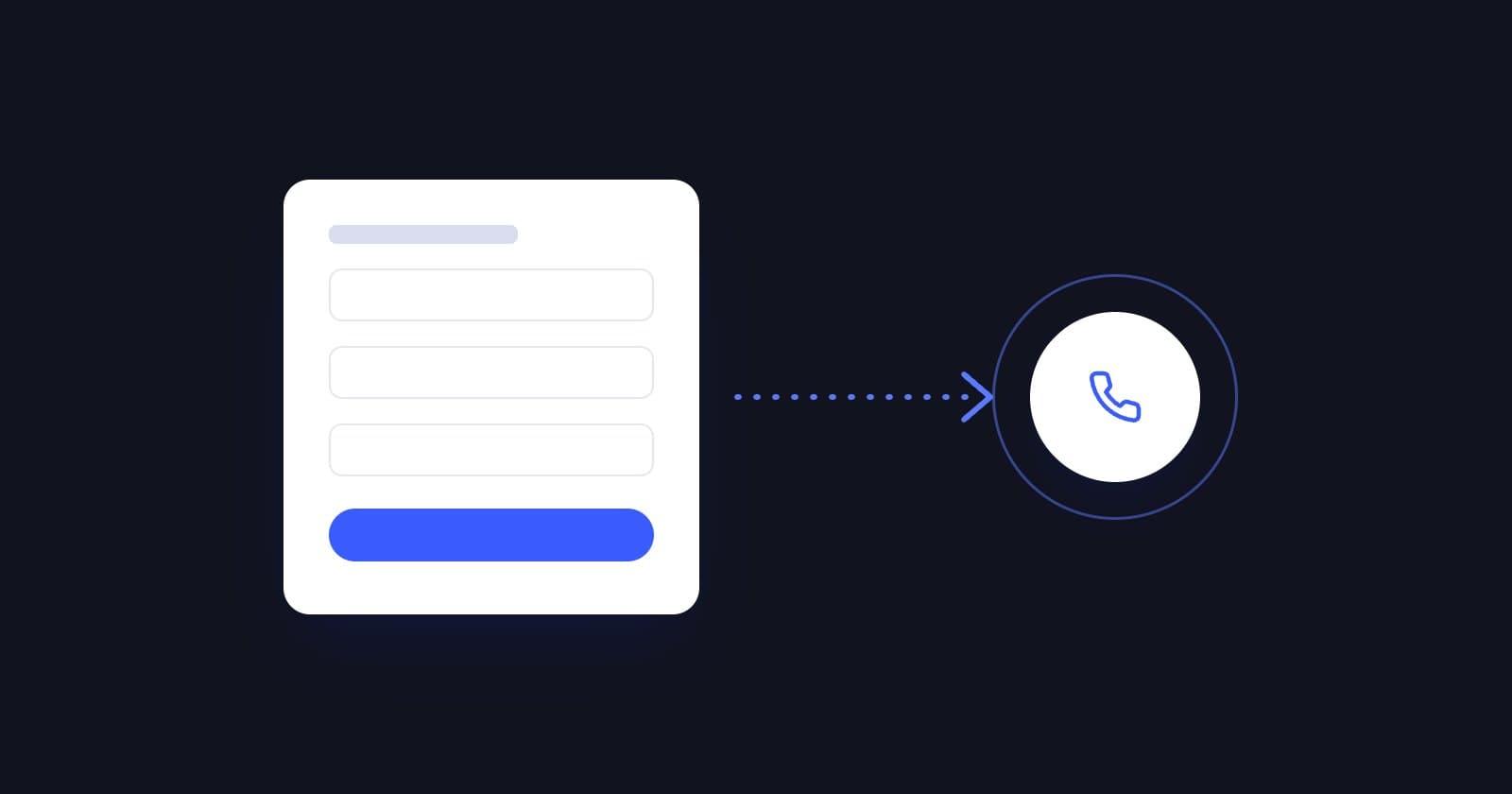
Short answer: to automatically call your Meta Lead Ads leads, connect your Facebook and Instagram forms to an AI voice agent. Every time someone fills in the form, the agent calls them within seconds, qualifies them, answers questions and books the meeting. ReshapeOS has a Meta Lead Ads integration and specializes in education.
Why you need to call right away
A Meta lead wasn't looking for you: they saw an ad while scrolling and filled in a form in two taps. If you call the next day, they often don't remember doing it. If you call within a minute, the ad is still on their mind.
How to set it up
- 01Connect Meta Lead Ads to the agent platform.
- 02Choose the forms or campaigns you want it to call.
- 03Use the form fields (name, course of interest…) so the agent personalizes the call.
- 04Define the goal: qualify, book an interview or transfer to an advisor.
- 05Set up retries and WhatsApp for no-answers.
- 06Connect the CRM to save the outcome.
Tips for Meta forms
- Ask for the phone number with country code and validate the format.
- Add a consent checkbox for calls, including from a virtual assistant. We explain it in our GDPR guide.
- Keep the form short. The agent qualifies during the call.
- Say in the ad that you'll call ("We'll call you in a minute"). More people pick up.
What to measure per campaign
| Metric | What it tells you |
|---|---|
| Contact rate | How many leads pick up |
| Qualification rate | The campaign's real quality |
| Meetings per 100 leads | What each ad actually converts |
| Cost per meeting | The number that really matters for optimizing |
Frequently asked questions
Do I need Zapier to connect Meta Lead Ads?
Not with Reshape: it has a direct Meta Lead Ads integration. If you use another tool, Zapier, Make or n8n are common options.
Does it also work with Google Ads and web forms?
Yes. The agent can call leads from Google Ads, LinkedIn, your website (WordPress, Webflow, Typeform…) or your CRM.
What if the lead leaves a fake number?
The call doesn't connect and it's logged in the CRM, so you can see which campaigns bring lower-quality data.
 Try an agent