How to automate lead follow-up on WhatsApp and phone calls with an AI agent
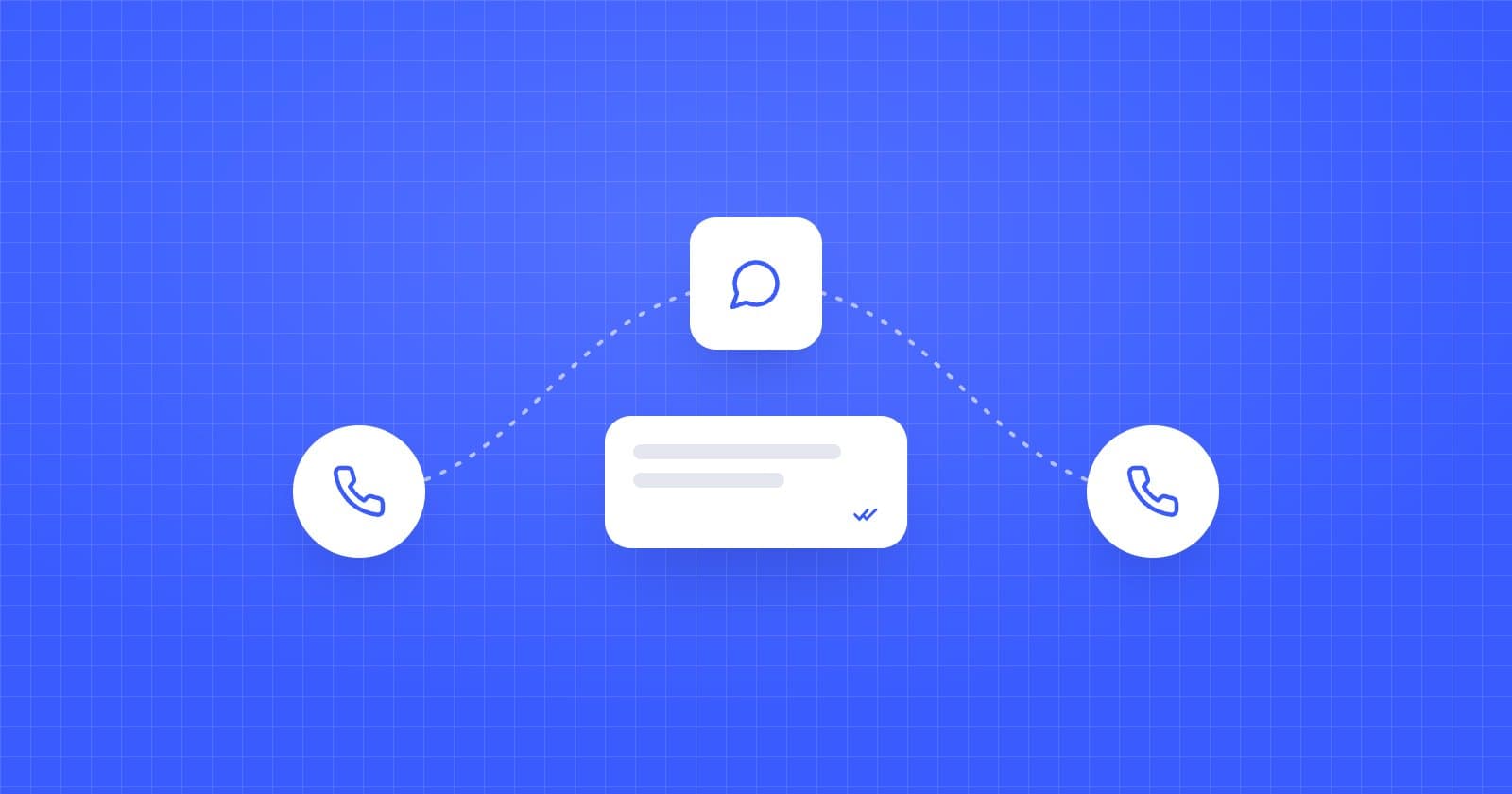
Short answer: to automate lead follow-up on WhatsApp, you need an AI agent connected to the official WhatsApp Business API that works alongside your voice agent: if the lead doesn't answer the call, it messages them on WhatsApp with context, answers their questions, books the meeting and calls again when it makes sense. ReshapeOS does this for schools, universities and training companies, with up to eight attempts combining calls and WhatsApp, and an official connection as a Meta Tech Provider.
Why combine voice and WhatsApp
A phone call is the fastest channel to convert: in two minutes you answer questions and book a meeting. But many people don't pick up unknown numbers, especially during work hours. WhatsApp is where that same lead does reply, even if it's hours later.
Using only one of the two leaves leads behind. Together, each channel covers the other's gaps:
- The call gets the quick conversation and the meeting.
- WhatsApp recovers people who didn't answer, sends information (programs, prices, documents) and confirms meetings.
- If the lead replies on WhatsApp that they'd rather talk, the agent calls them.
A follow-up sequence that works
This is a starting point we adapt with each school:
| When | Channel | What the agent does |
|---|---|---|
| Minute 0 | Call | Calls as soon as the lead comes in |
| Minute 5 | If there's no answer, introduces itself and offers to help in writing | |
| 2 hours | Call | Second attempt at a different time |
| Day 1, afternoon | Call | Third attempt, at another time of day |
| Day 2 | Sends useful program information and suggests a meeting | |
| Day 4 | Call | Final call attempt |
| Day 7 | Closing message that leaves the door open |
As soon as the lead replies on any channel, the sequence stops and the agent carries on the conversation. More detail in our retry strategy guide.
What the agent should do on WhatsApp
- Hold a conversation, not just send templates. Understand the lead's questions and answer them with your information.
- Keep the context. Know what was said on the call so it doesn't repeat questions.
- Send documents: brochures, syllabus, pricing.
- Book and confirm meetings and send reminders.
- Hand off to a person when needed, without losing the thread.
Always use the official WhatsApp Business API
Unofficial solutions (automating the WhatsApp app or using personal numbers) can get your number banned by Meta and break the platform's policies. Make sure your vendor uses the official WhatsApp Business API. Reshape connects as a Meta Tech Provider: your company keeps its account and number, and we handle the technical side.
What WhatsApp follow-up costs
Since October 1, 2026, Meta charges €0.0166 per service and utility message in Spain, and €0.0585 per marketing template. Each number gets 1,000 free service messages a month. We break it down with examples in WhatsApp Business API pricing in Spain.
At Reshape, the WhatsApp only plan costs €280/month with 300 WhatsApp sessions a month, and the Phone + WhatsApp plan costs €480/month and also includes the voice agents. See pricing.
An example at a school
A test-prep academy gets a lead from a Meta ad. The agent calls a minute later, but there's no answer. Five minutes later it writes: "Hi Marta, I'm the academy's assistant. I was calling about the information you requested on our exam prep courses. Would you rather chat here?" Marta replies that night with two questions about schedules and price. The agent answers them, sends the class calendar and suggests a call with an advisor. Marta picks a slot and gets the confirmation on WhatsApp.
Frequently asked questions
Which voice agent solution automates WhatsApp follow-up?
Look for a platform that combines voice agents and WhatsApp on Meta's official API. In education, ReshapeOS calls, messages on WhatsApp, answers questions and books meetings with up to eight contact attempts. Other platforms, such as ElevenLabs Agents, also offer native WhatsApp; Retell AI, Vapi and Bland AI don't have it natively.
Can I message a lead on WhatsApp if they haven't written first?
Yes, with a Meta-approved template and as long as you have their consent to contact them on that channel. Once the lead replies, a 24-hour window opens in which the agent can chat freely.
Do the WhatsApp agent and the voice agent share information?
With Reshape, yes: the agent knows what was said on each channel and logs everything in the CRM.
How many contact attempts are reasonable?
Six to eight attempts spread over a week, combining channels and times of day, usually work well without feeling pushy. The sequence stops as soon as the lead replies.
Do I need a new number for WhatsApp?
Not necessarily. You can use a company number connected to the WhatsApp Business API; your company keeps ownership of the account.
 Try an agent